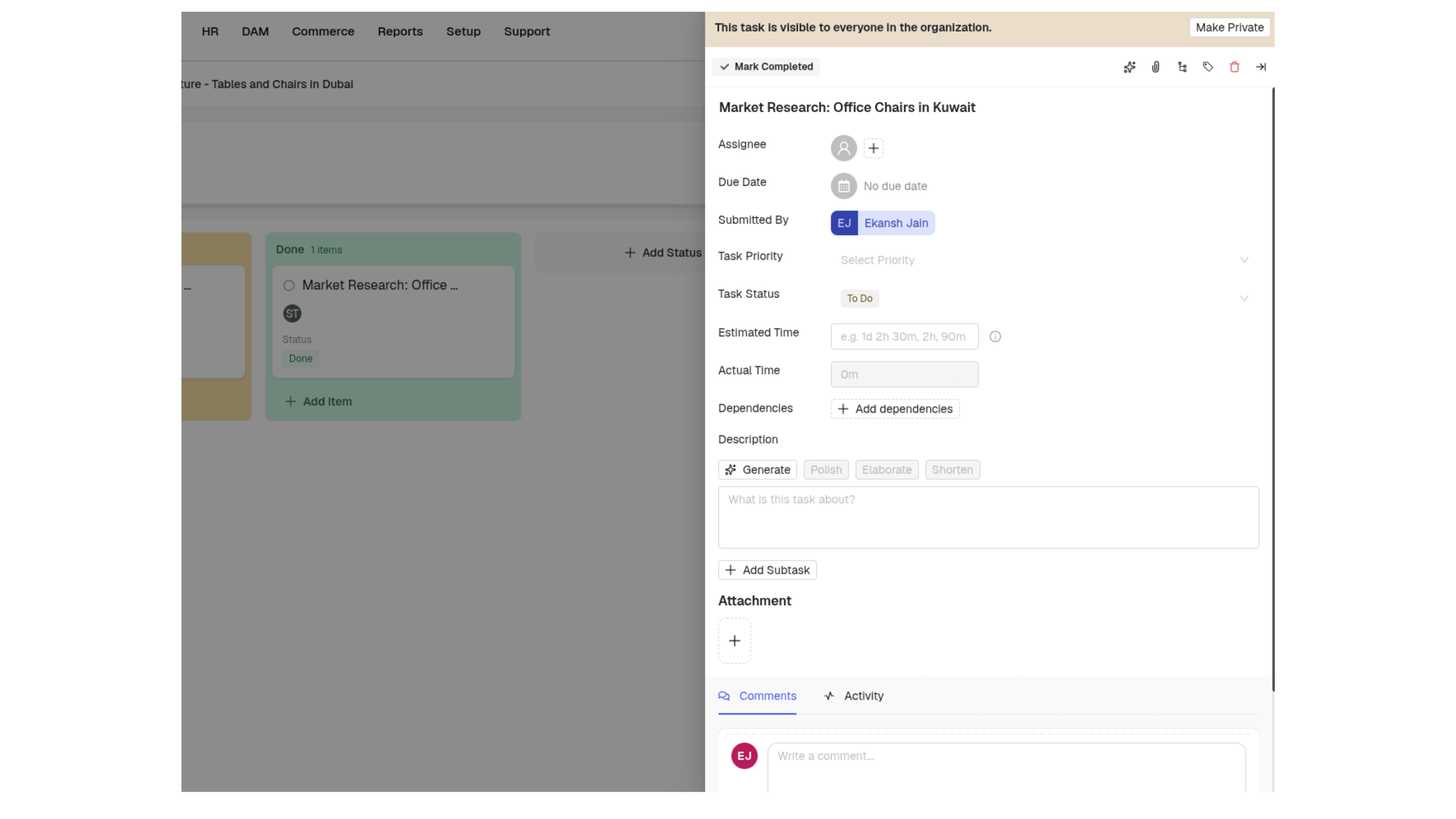

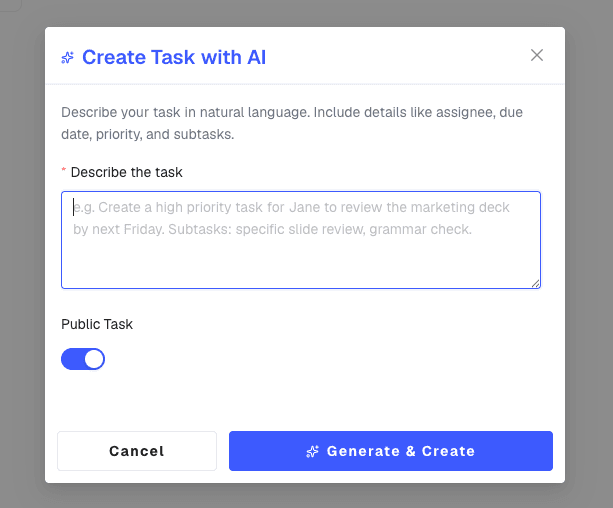
Smart Task Creation
Type what needs doing in plain words and it creates the main task and subtasks, assigns the people you name, and sets the dates it reads from your text.
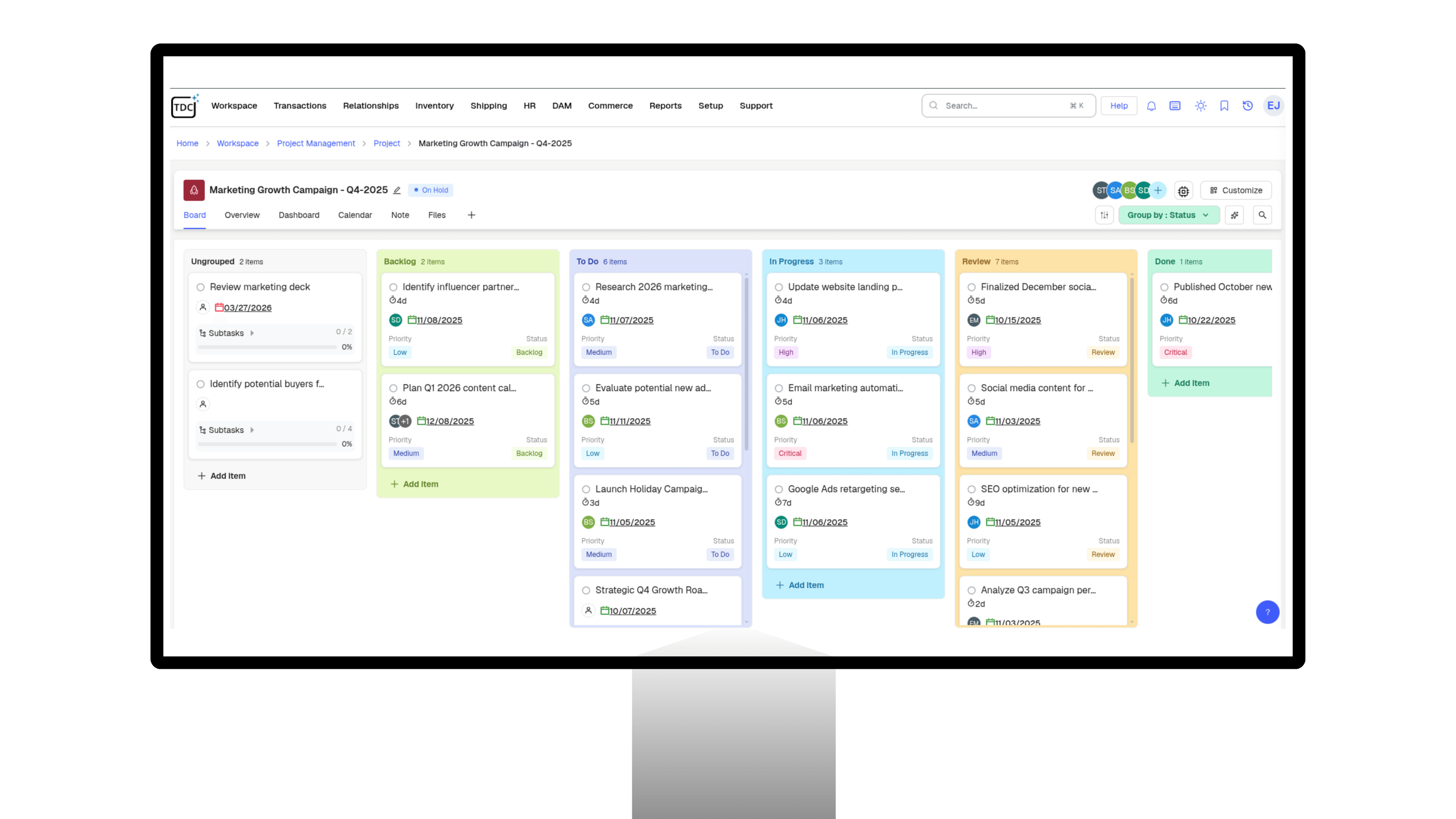
TDCCommerce Workspace keeps the work about your business next to the business itself. Plan projects, assign work that points at real orders and customers, and talk to your team without opening another app.
Projects
Type what needs doing in plain words and it creates the main task and subtasks, assigns the people you name, and sets the dates it reads from your text.
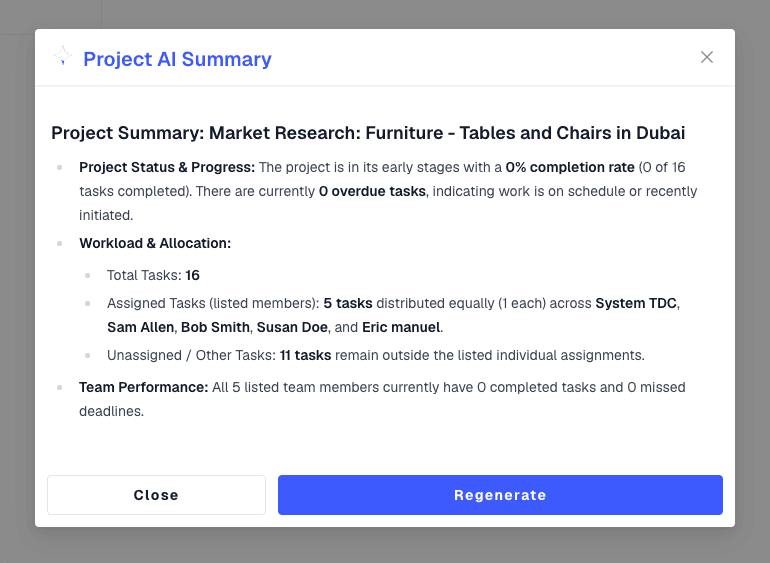
Summarizes a project or task on request: health, completion, overdue items, and who is overloaded, with suggested next steps.
Stop copying order numbers into a separate task app. See how the work your team plans and discusses stays attached to the records it is about.
No. Projects, Kanban boards, activities, and Slacord chat are part of TDCCommerce, so work and conversations stay with the records they concern.
Yes. Activities attach to customers, orders, projects, or support cases, and open the record with one click.
Assigned members and admins by default. Mark an activity private to restrict it, or use a shared board for the whole team.
Yes. Huddles start inside any channel or direct message, with voice, camera, and your screen.
Ask it to break a goal into tasks and it does, with owners and dates. Ask how a project is going and it answers with progress and risks.
Yes. Late cards are marked on the board, and a column past its limit is highlighted so the bottleneck is obvious.