
Automate Approvals, Reminders, and Routine Steps
The hand-offs between tasks eat hours every week. TDCCommerce lets you draw those flows visually, without code, and run them on your live business data.
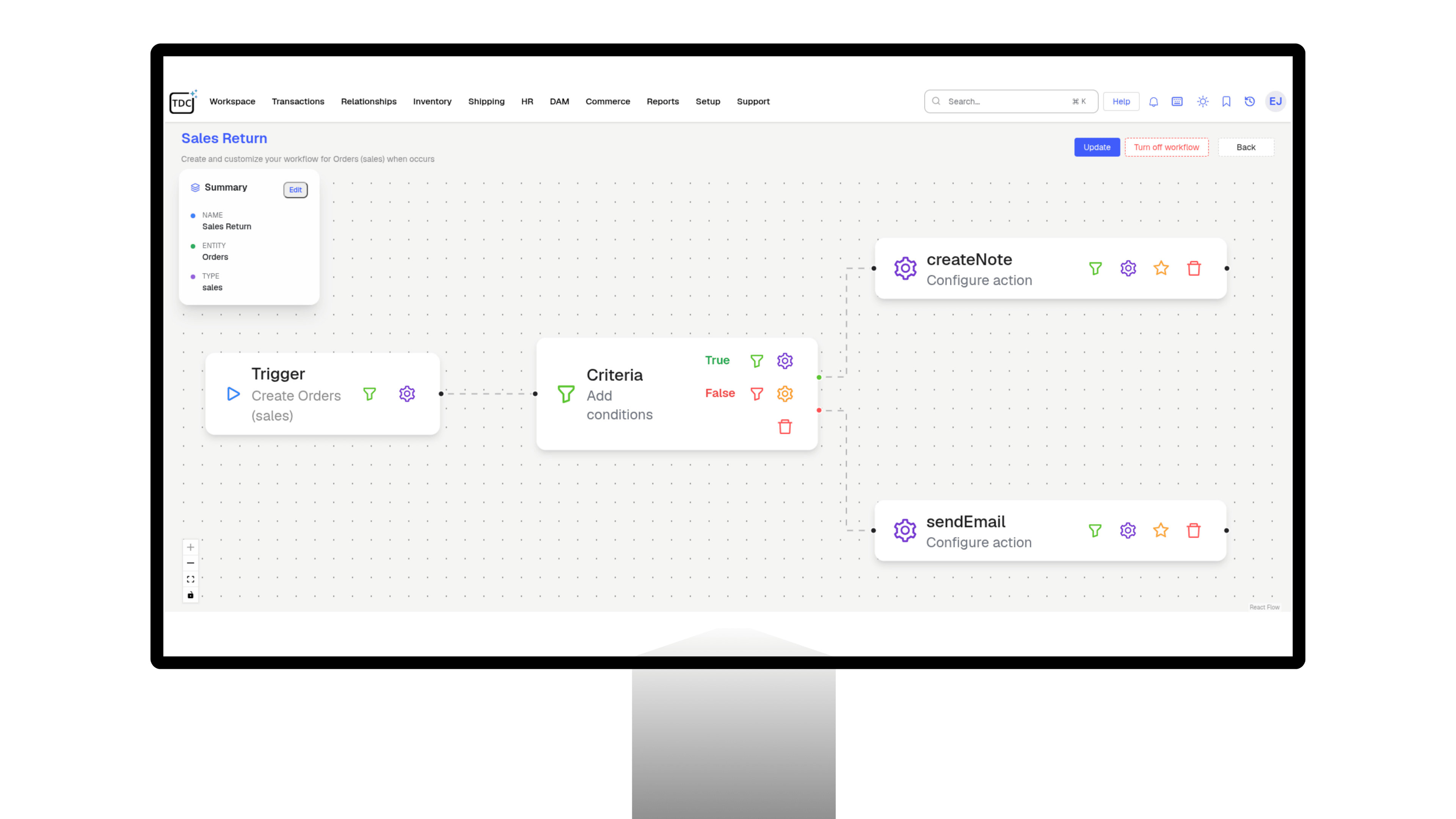
Everything Your Processes Need, Built In
Designer
Designer, Actions, and Steps
- Build workflows in a drag-and-drop designer by setting actions, rules, and ordered steps.
- Manage and update complex processes without technical skills.
- Add custom scripts where a flow needs more than clicks, so no process hits a wall.
- Update a live process by editing its steps in the designer, without rebuilding it from scratch.
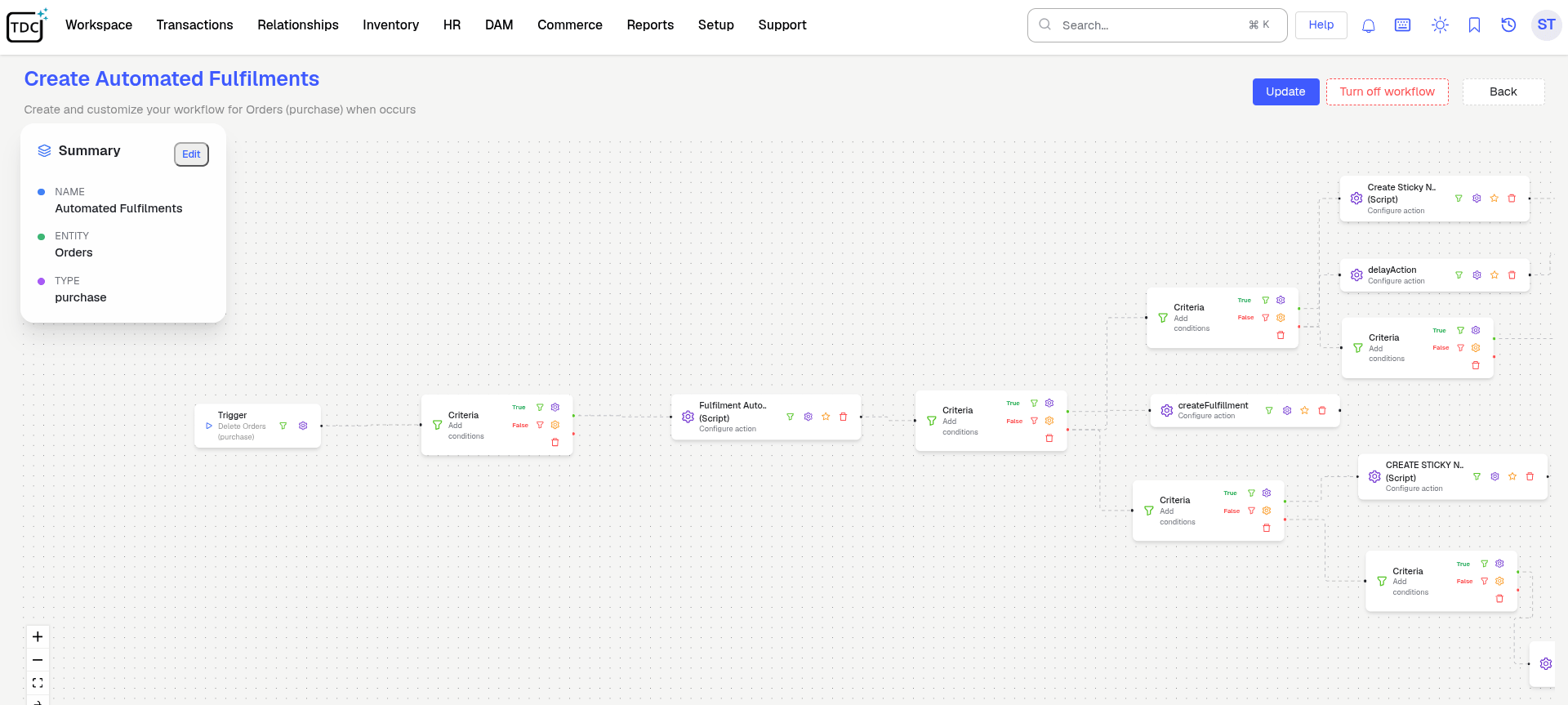
Your Process, Running on Its Own
Stop chasing sign-offs and forwarding follow-ups. Set a process up once and let TDCCommerce run it every time.
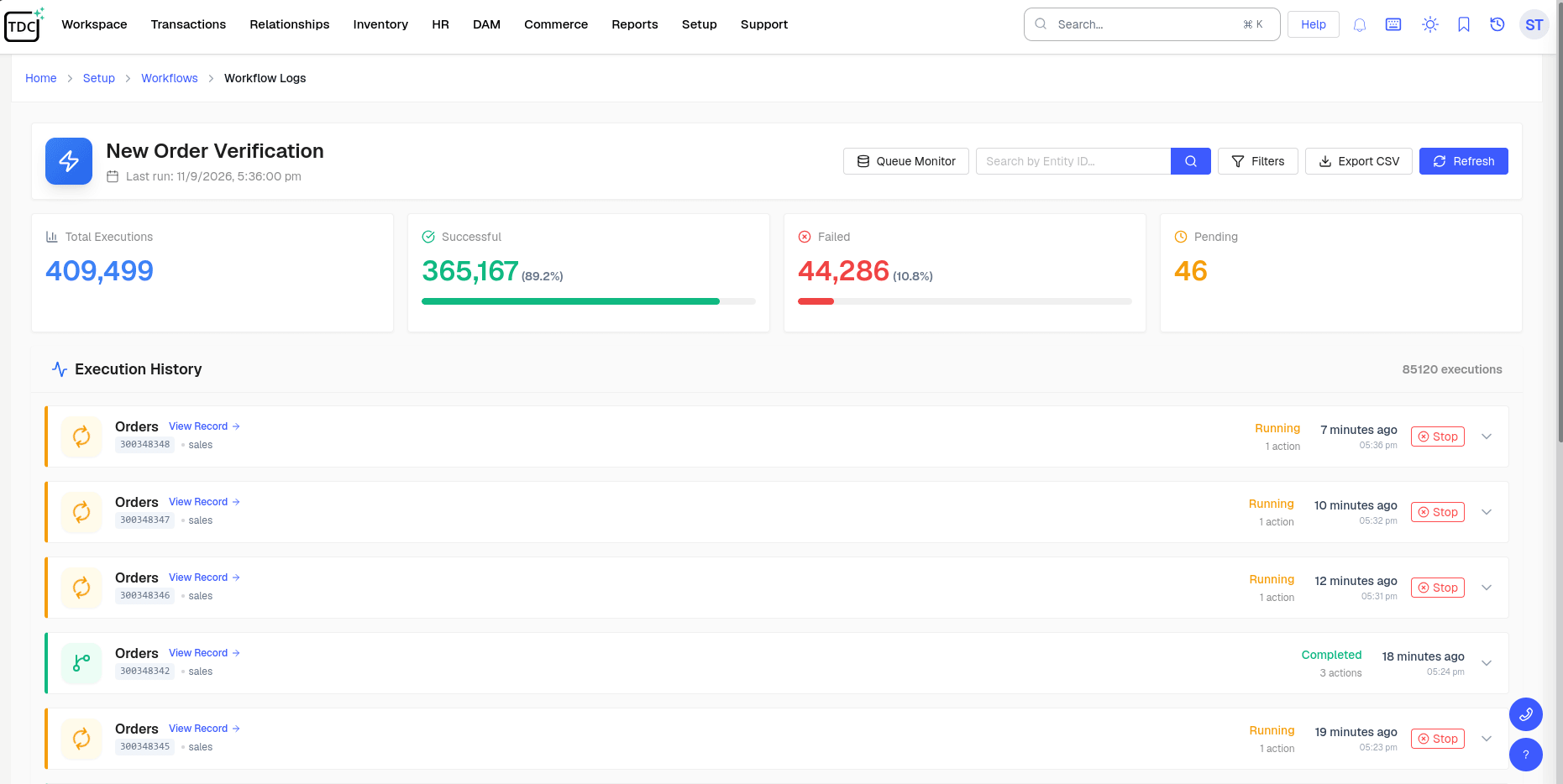
Questions Admins Ask
Can a non-technical admin build a workflow?
No. You drag steps onto a canvas and set the rules in plain fields. A script slot exists for the rare step that needs logic the designer does not offer.
What can trigger a workflow?
Anything that happens in the system: a record is created or changed, a date arrives, or someone clicks an action, such as an order over a set value or a vendor's first bill.
How do approvals work?
Through Approval Workflows: choose the record, write the rule in plain terms such as orders over 1,000, name who signs each stage, and TDC Copilot can draft the whole thing from one sentence.
Will customizations break when the platform updates?
No. Everything you configure sits on top of the platform rather than inside it, so your changes stay in place through each release.
Can workflows send emails or texts?
Yes. Each step can send a branded message in-app, by email, or by SMS to whoever the record points at, such as the order's owner or the vendor's contact.
Can I add fields to a standard record?
Yes. Standard records accept your own fields and pick lists, and they show up on forms, lists, and reports like the built-in ones.