Every Order From Every Channel in One Place
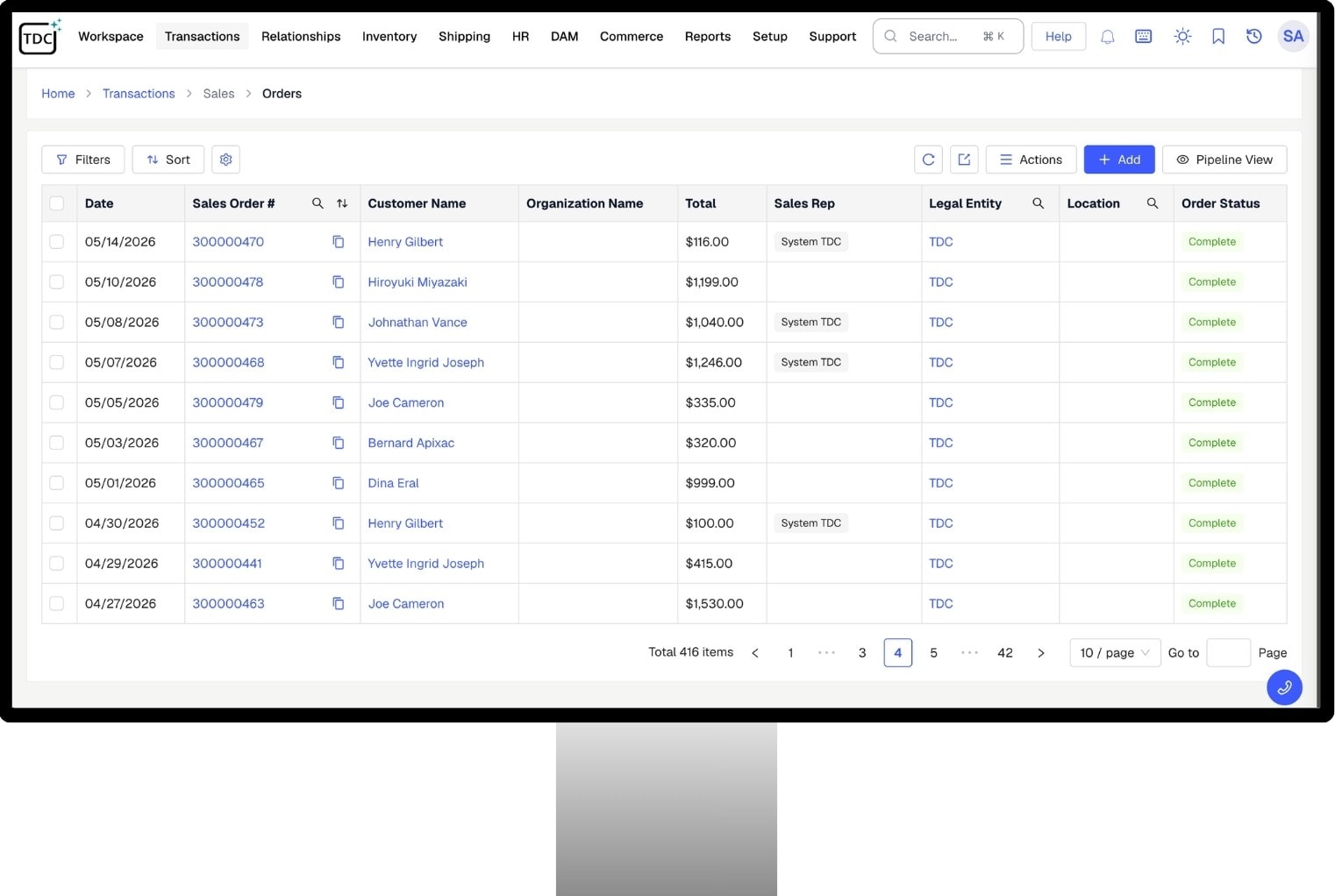
TDCCommerce collects orders from your webstore, marketplaces, sales reps, and partner portals, with inventory, shipping, and returns attached to each one. Nothing is typed twice.
Everything an Order Needs, Built In
Channels
Capture, Confirm, and Invoice
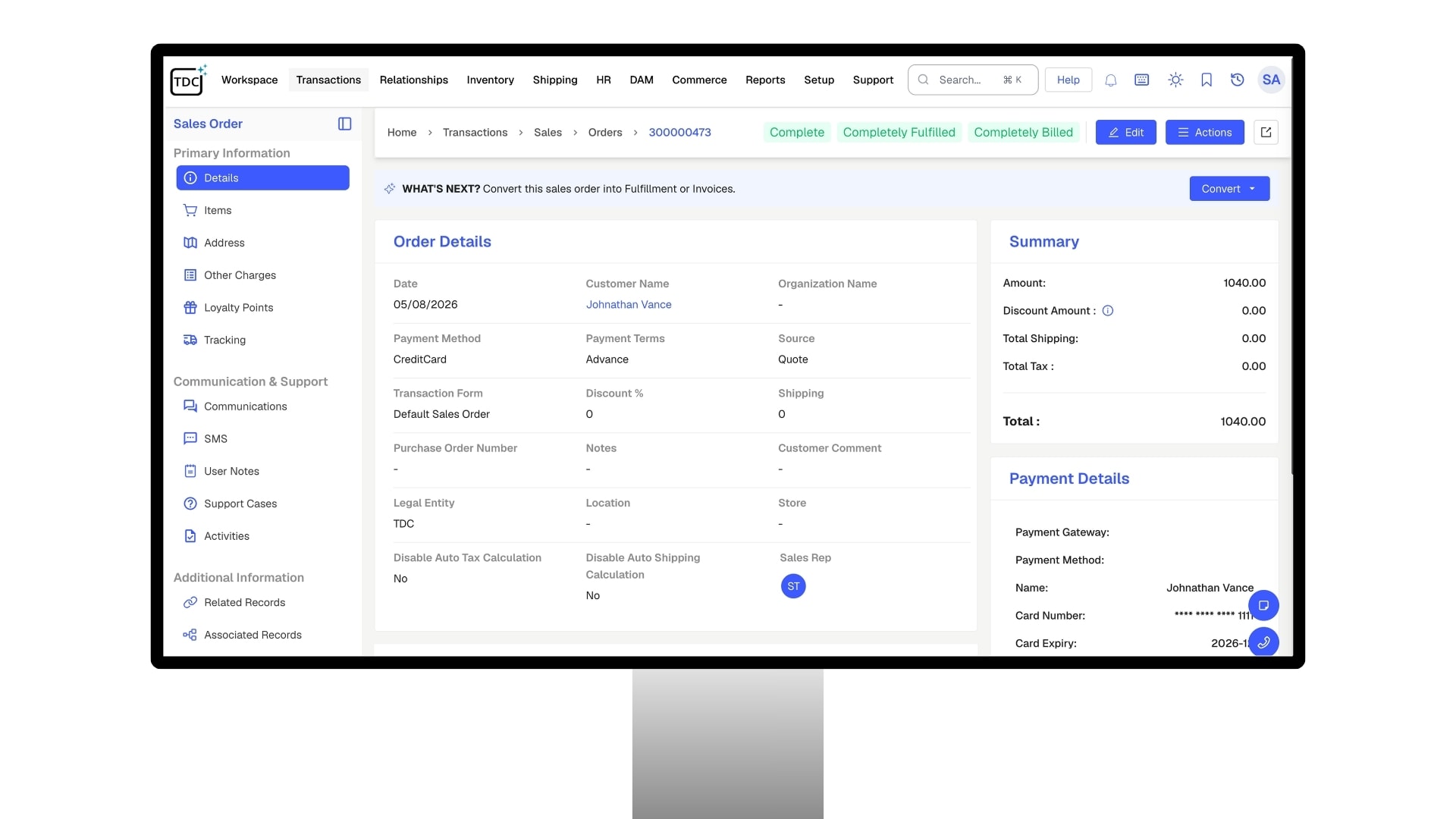
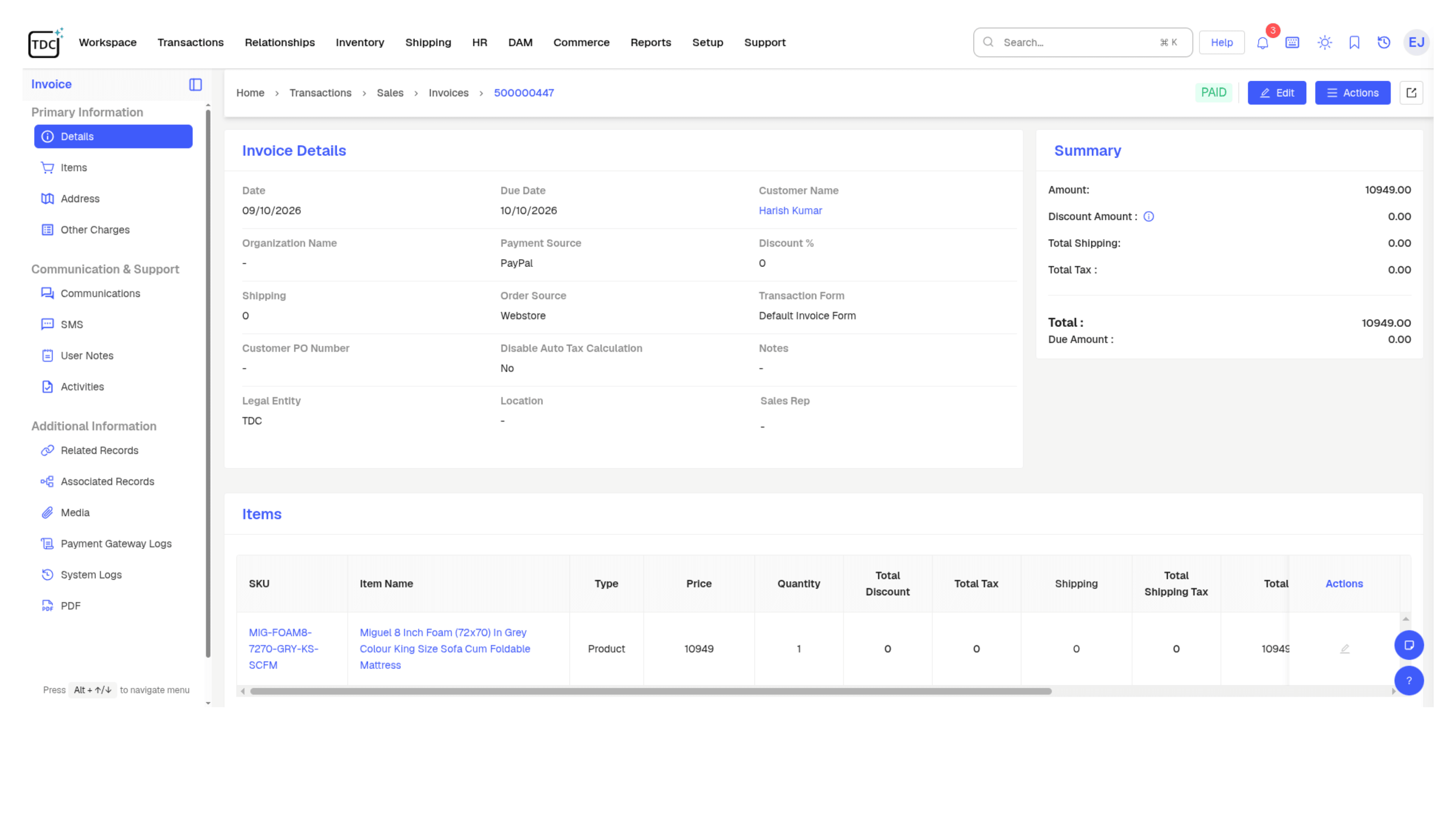
- Capture orders from every channel you sell on as they arrive.
- Confirm, fulfill, and invoice from one order record, whichever channel it came from.
- Personalized and configured products flow through the same order as standard ones.
- Give support reps real-time order data so they answer from the record, not a guess.



Built for the Way You Fulfill
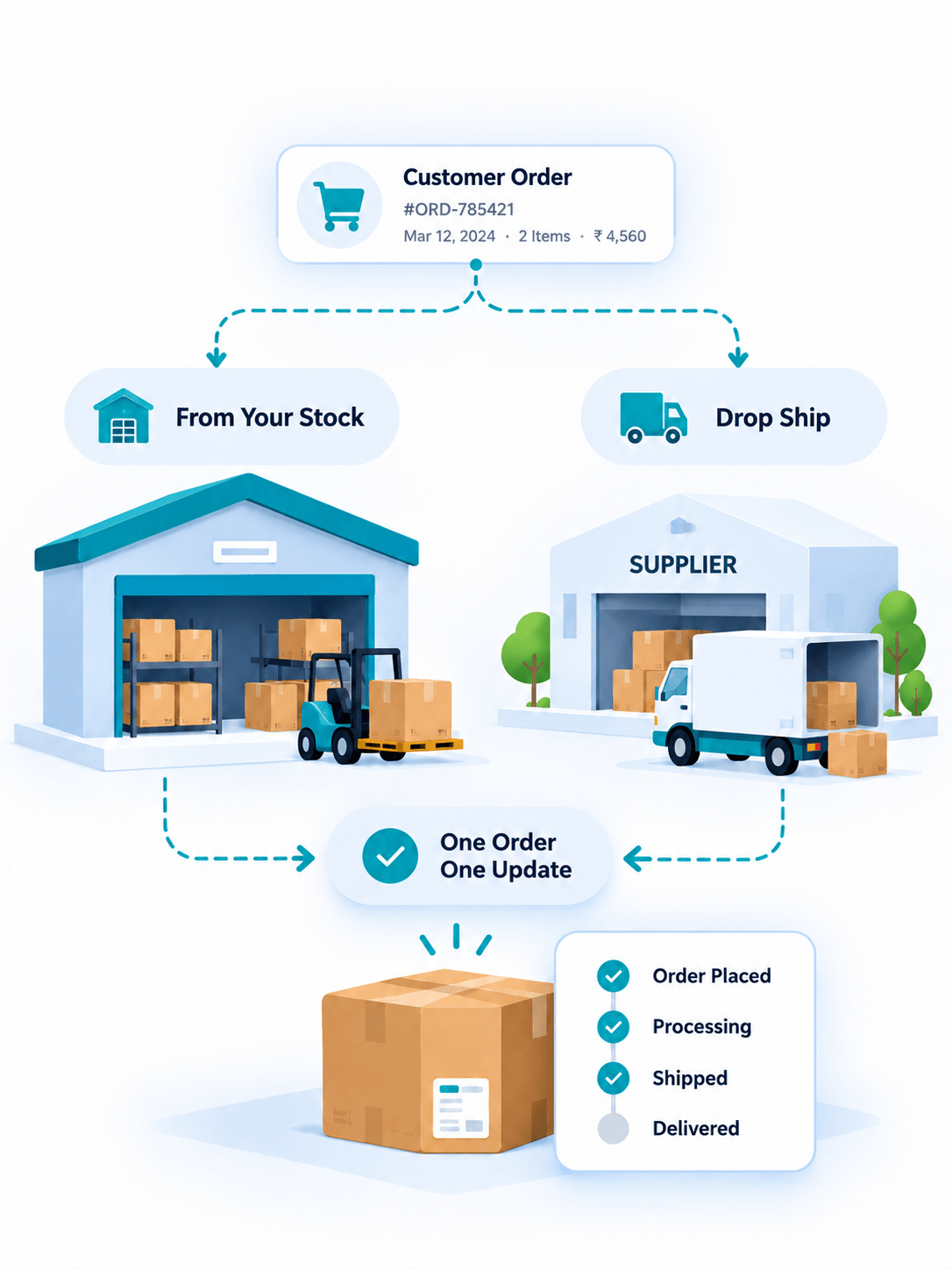
From Your Stock
Orders reserve inventory the moment they land, then ship from whichever warehouse or store holds the goods, with every scan and status change recorded on the order itself.
Drop Ship
A purchase order goes to the vendor on its own, the shipment stays linked to the customer order, and tracking flows back to the buyer, so you sell an endless aisle without stocking it.
Both at Once
Mix the two on a single order. Each line goes to the most cost-effective source, your shelf or a supplier, and the customer still sees one order and one set of updates.
How TDCCommerce Compares
| Feature | The Usual Setup | With TDCCommerce |
|---|---|---|
| Orders from the store, Amazon, and reps | Three screens, three logins | One queue |
| A large order needs sign-off | Email the manager and wait | An approval step with the record attached |
| An order ships from two warehouses | Split it by hand | Lines go out from whichever location has them |
| A drop-ship product is ordered | Email the supplier the details | The supplier receives it without anyone typing it |
| Customer asks where their order is | Look it up on the carrier site | They check their account, tracking included |
| A return comes back | Refund, adjust stock, post to books: three steps | One approval does all three |
| A price changes | Update the store, the marketplace, and the price list | Change once, pushed everywhere |
One System for the Whole Order
Stop copying orders between your online store, your shipping app, and your books. See how TDCCommerce carries each order from capture to delivery in one system.
Questions Fulfillment Teams Ask
Which sales channels can send orders in?
Your TDCCommerce store, marketplaces, sales reps, and B2B customer accounts all feed the same queue, and every order follows the same approval and fulfillment steps.
Can orders above a certain value require approval?
Yes. Set the threshold and who signs off, add more levels for larger orders, and the order waits at that step until it is approved.
How does drop shipping work?
You choose it per product or per vendor. The supplier ships direct, and the tracking number appears on the sale without anyone forwarding an email.
What happens to stock when a return is approved?
The approval that closes the return also restocks the item and records the refund, so the count and the books update together.
Can support see an order while the customer is on the phone?
Yes. Every order shows its shipment, payment, and return status live, so the rep has the answer before the customer finishes the question.
Can one order ship from more than one place?
Yes. When one warehouse is short on a line, that line ships from another location while the rest goes out as planned.