Support Agent
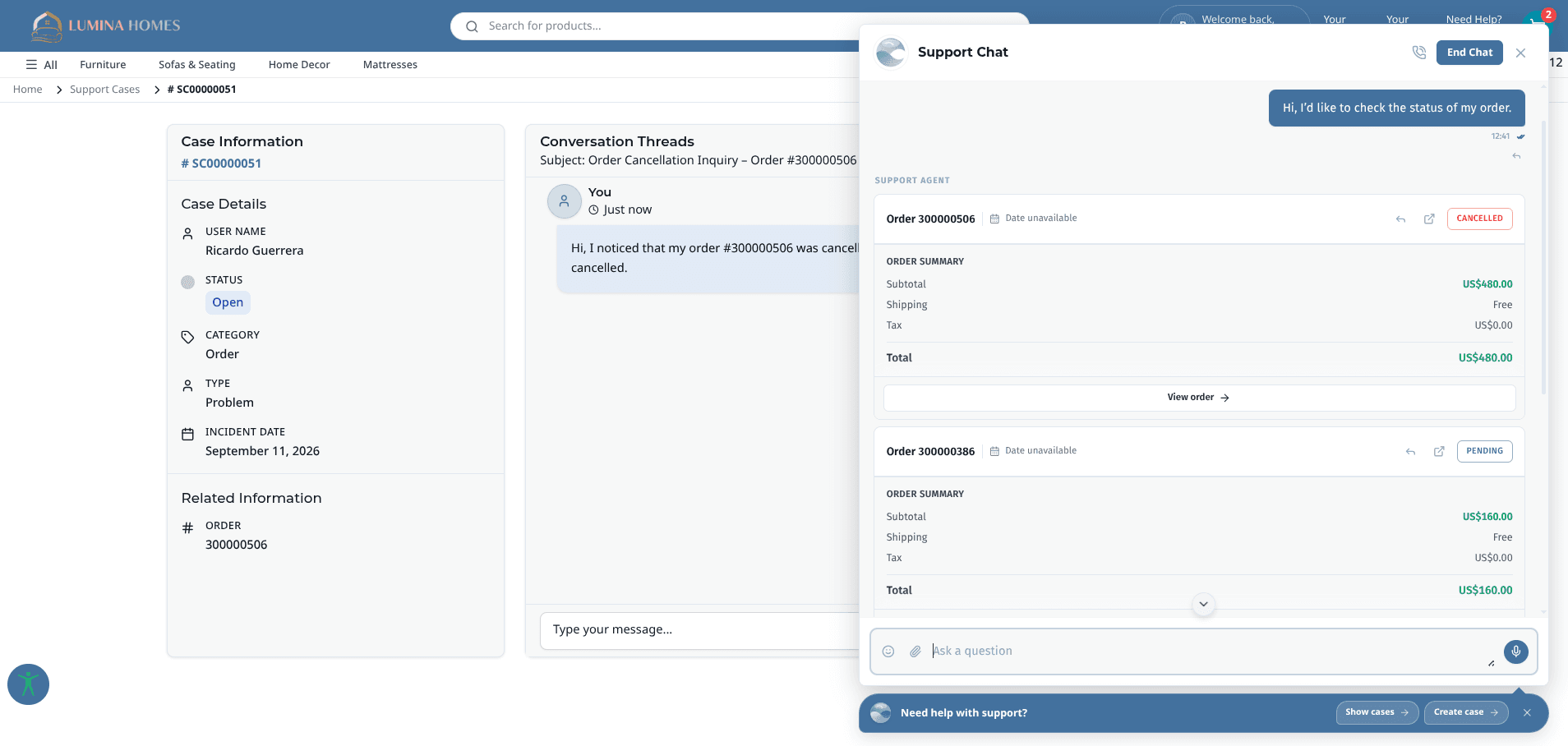
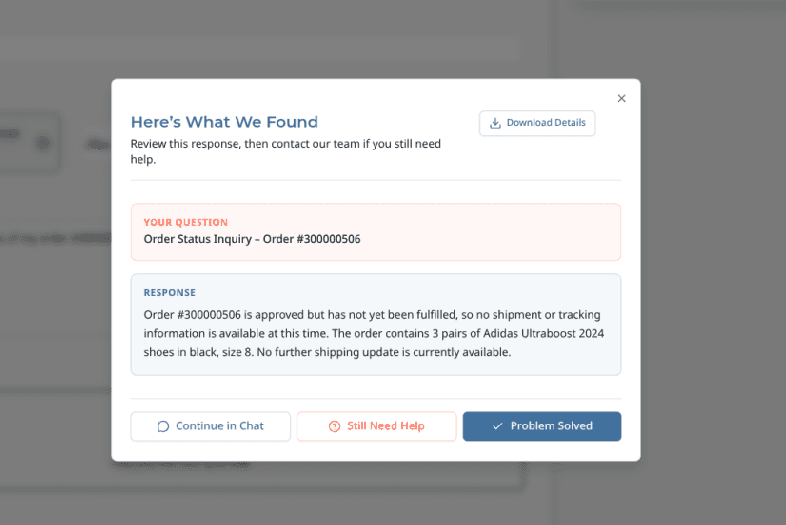
Answers customer cases on the store from live order, shipment, and return data, resolves what it can, and hands the rest to your team with a summary.
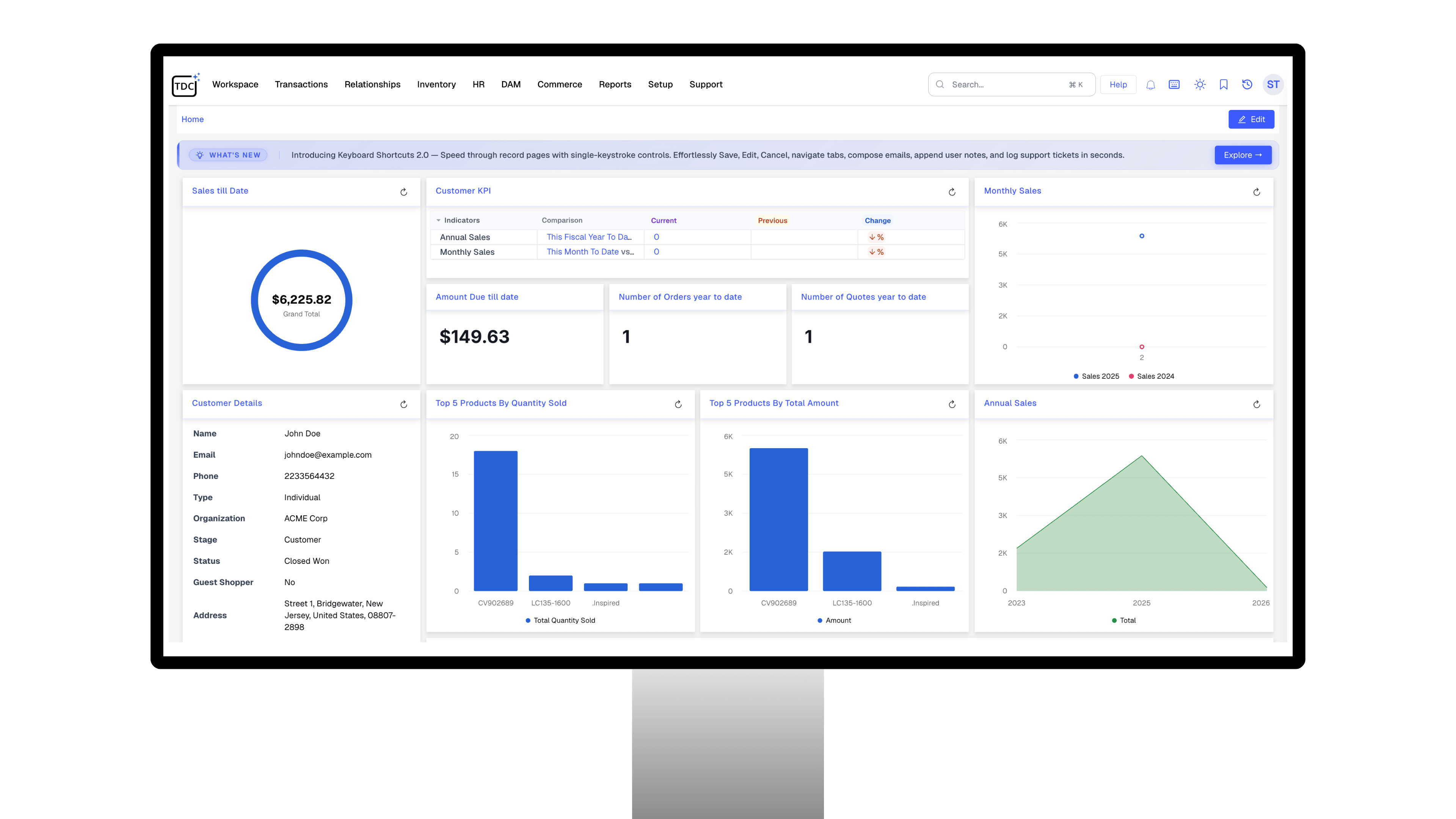
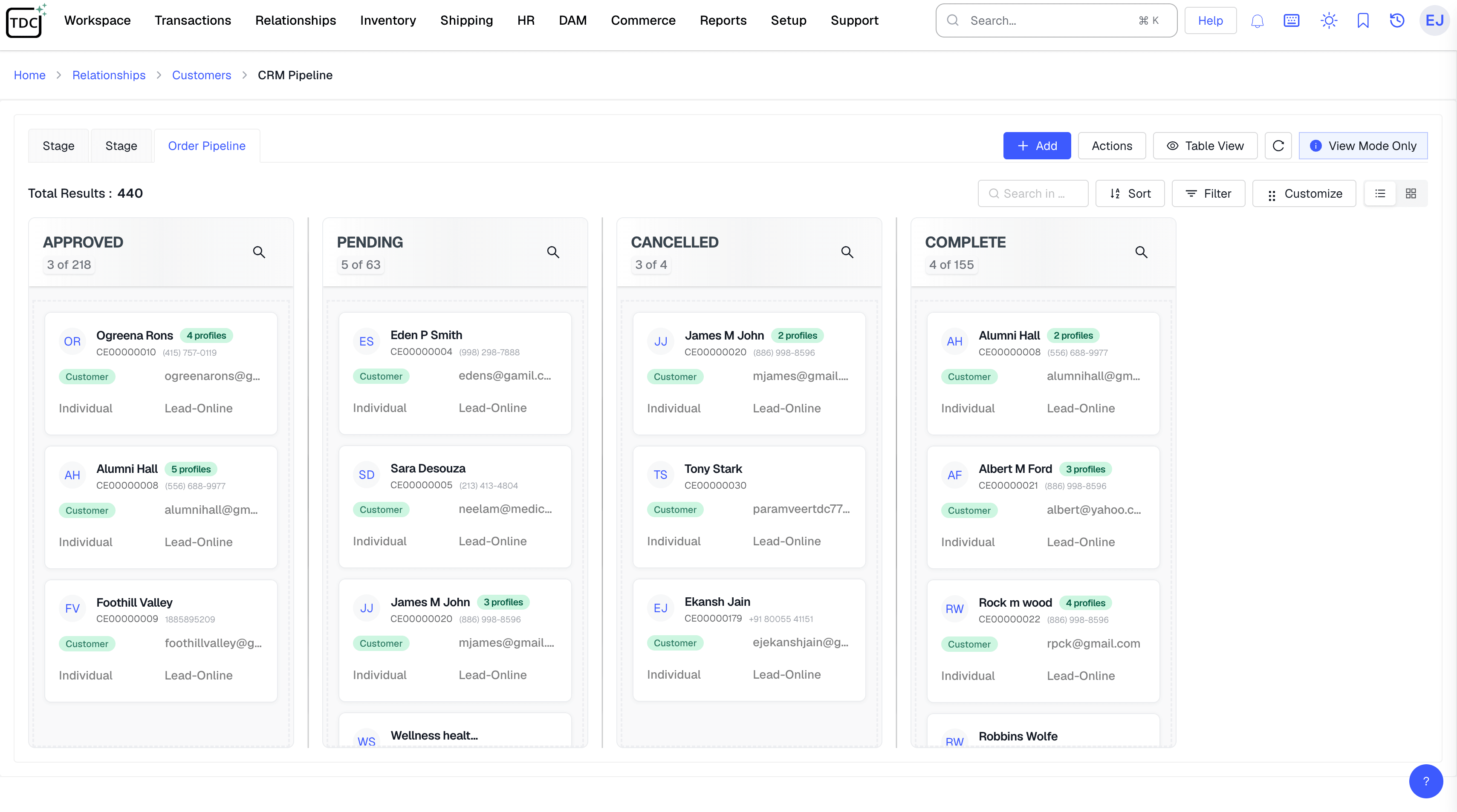
TDCCommerce CRM keeps every lead, quote, order, and support case beside your inventory and accounting. Your team sees the whole customer, not a fragment of them.
Sales
Answers customer cases on the store from live order, shipment, and return data, resolves what it can, and hands the rest to your team with a summary.
Sorts every store Contact Us message into a support case or a sales lead and drafts the first reply.
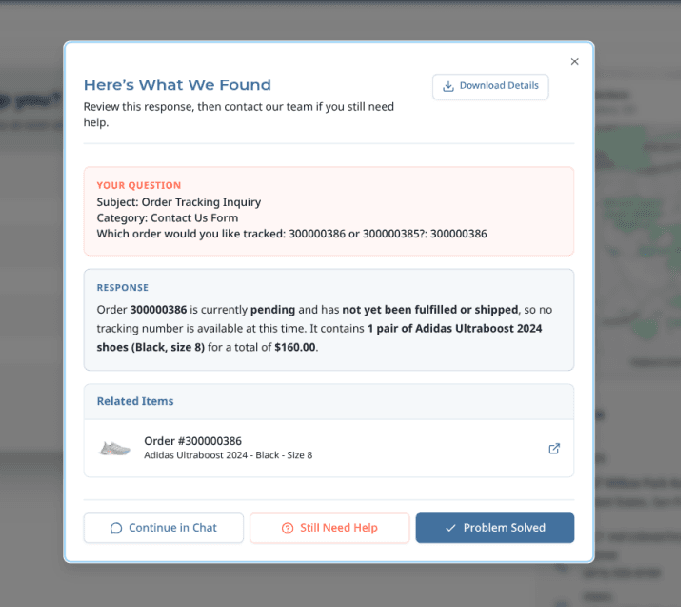
Suggests a reply to any open case from its full history, then polishes, shortens, or expands it on request.
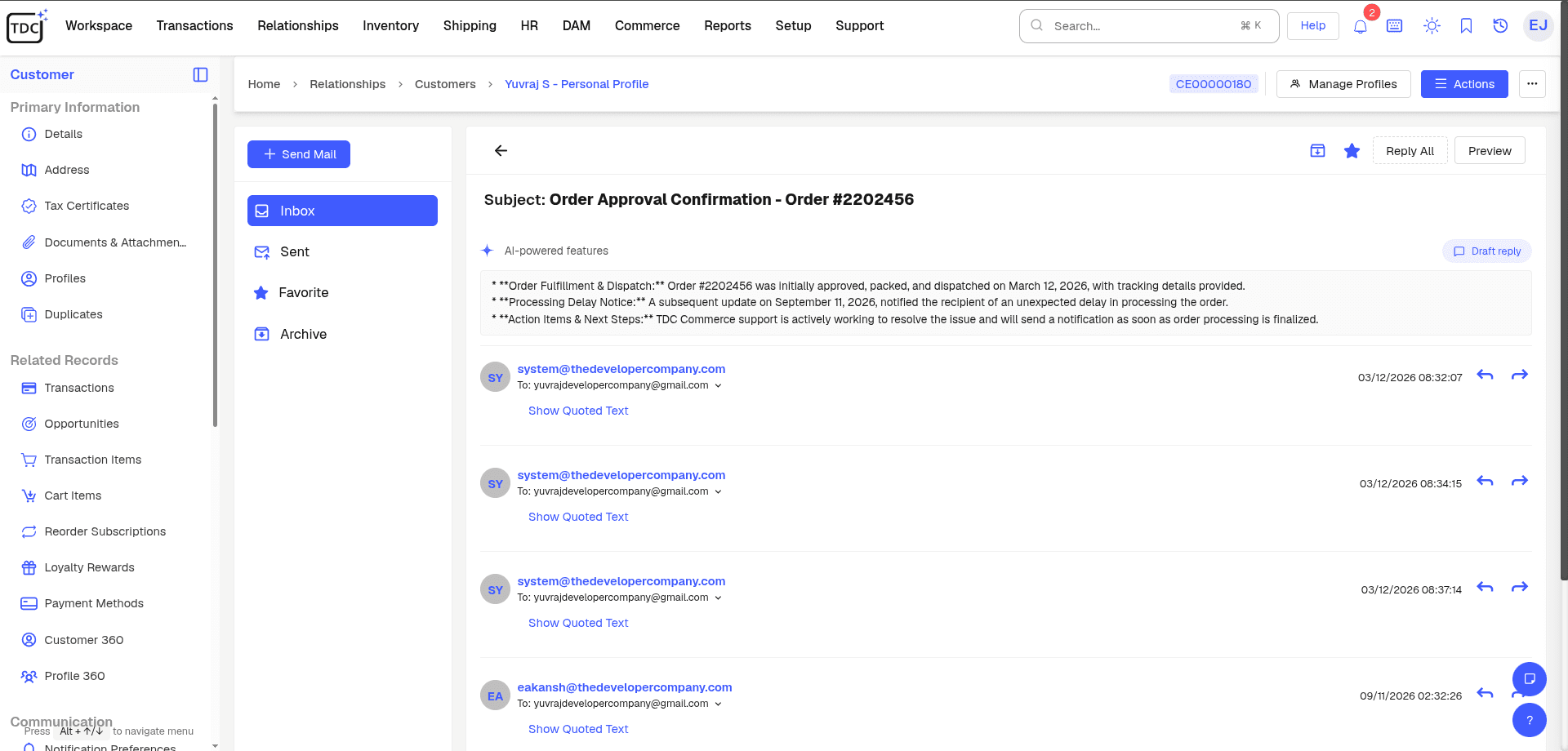
Turns long email threads into short summaries with decisions, pending tasks, and follow-ups highlighted.
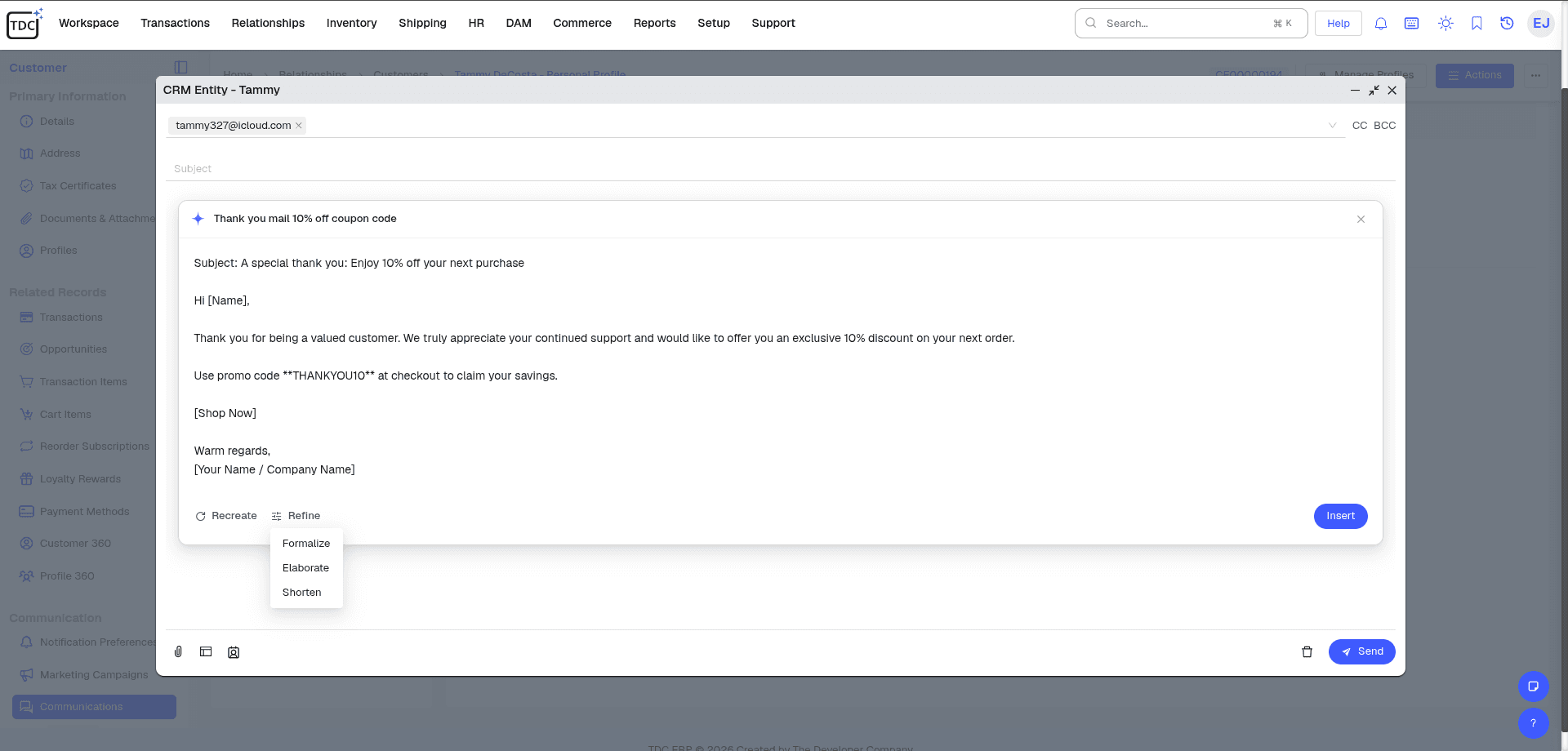
Writes and rewrites emails, adjusting tone and clarity for customers, partners, or your own team.
| Feature | The Usual Setup | With TDCCommerce |
|---|---|---|
| A lead comes in from the website | Someone copies it from the inbox into the CRM | It appears as a lead with its source, assigned to a rep |
| Quote a customer | Check stock and prices elsewhere, then type the quote | Prices and availability are already on the quote screen |
| Customer calls about an order | Ask for the order number and open the store admin | The order is right there on the screen the rep is looking at |
| Two records for one customer | Keep both, or delete one and lose its history | Merge them and nothing from either is lost |
| A case needs order details | Copy and paste from the shipping app into the reply | Delivery and payment details are already next to the case |
| Hand off a long email thread | Read the whole thread before replying | AI summarizes the decisions and open items |
| Wholesale buyer wants their pricing | Send a PDF price list | They log in and see their prices |
Stop piecing together a customer from three systems. One profile holds the lead, the quote, the order, and the case, and every team reads from it.
Yes. Store orders, customer accounts, and support cases share one customer record with the CRM, so nothing syncs and nothing drifts.
Yes. Business accounts get approval controls, their own catalogs and pricing, and quote requests, alongside your retail customers.
The system flags records that share an email or phone, you choose which one survives, and the merge keeps every order, case, and note from both.
The case opens on the customer's profile with purchase and delivery history already on screen, so nobody asks for an order number.
Yes. One click on an accepted quote creates the order, with no line retyped.
Only when it is confident. AI resolves cases it can verify from order data and passes anything else to your team.
Yes. Reps quote what the warehouse actually has, because inventory and the pipeline share one database.
