Warehouse Management Built Into Your ERP
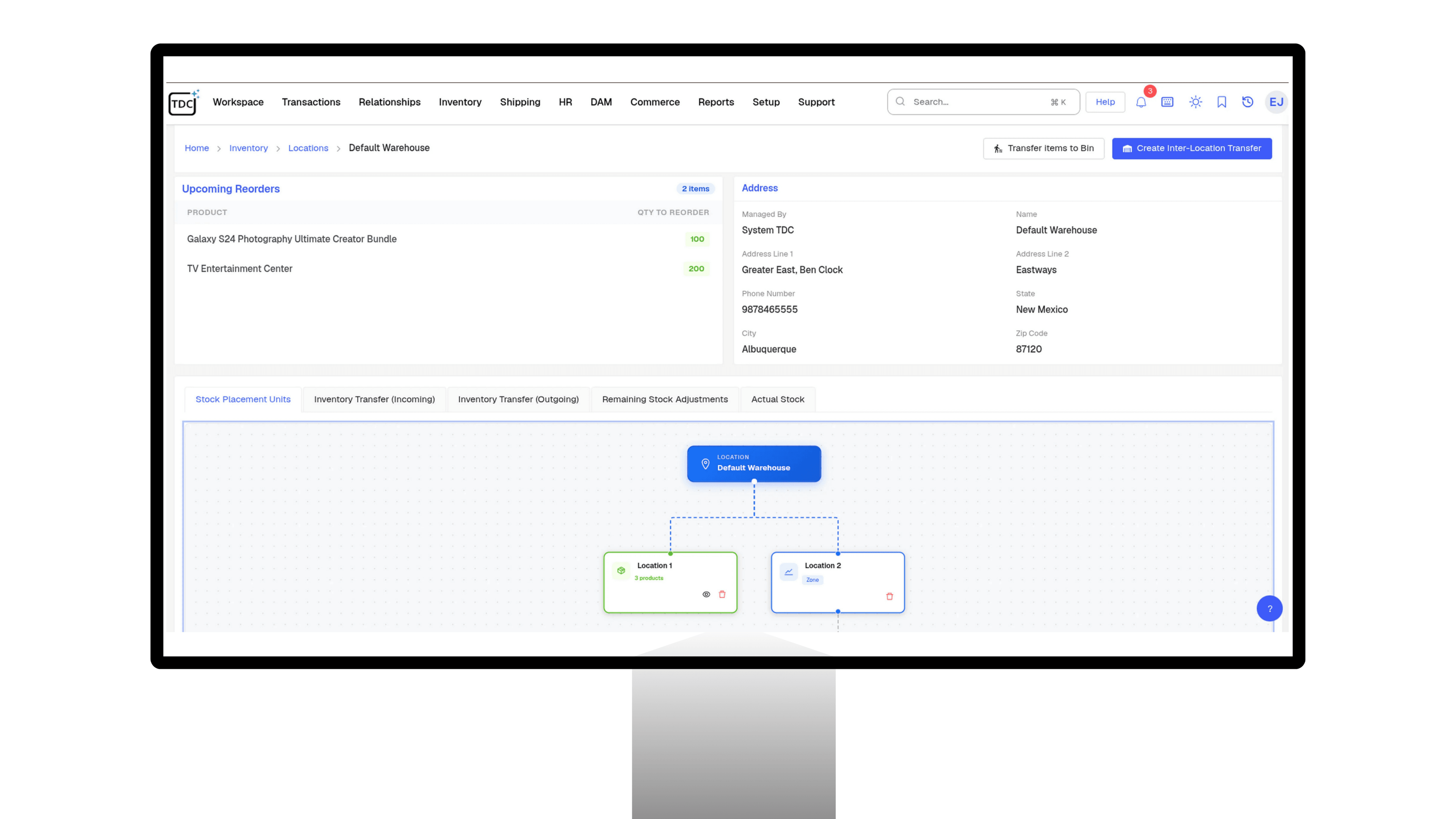
TDCCommerce warehouse management tells your team where to put things, what to pick next, and how to pack it, from handheld scanners that update stock the moment a task is done.
Everything the Warehouse Floor Needs, Built In
Receiving
Receiving, Scanning, and Booking
- Receive purchase orders, transfer orders, and returns in one flow, partial deliveries included.
- Scan items on arrival and the system confirms them against what was expected.
- Combine items from several purchase orders into one receiving record, then receive, bill, and transfer from one place.
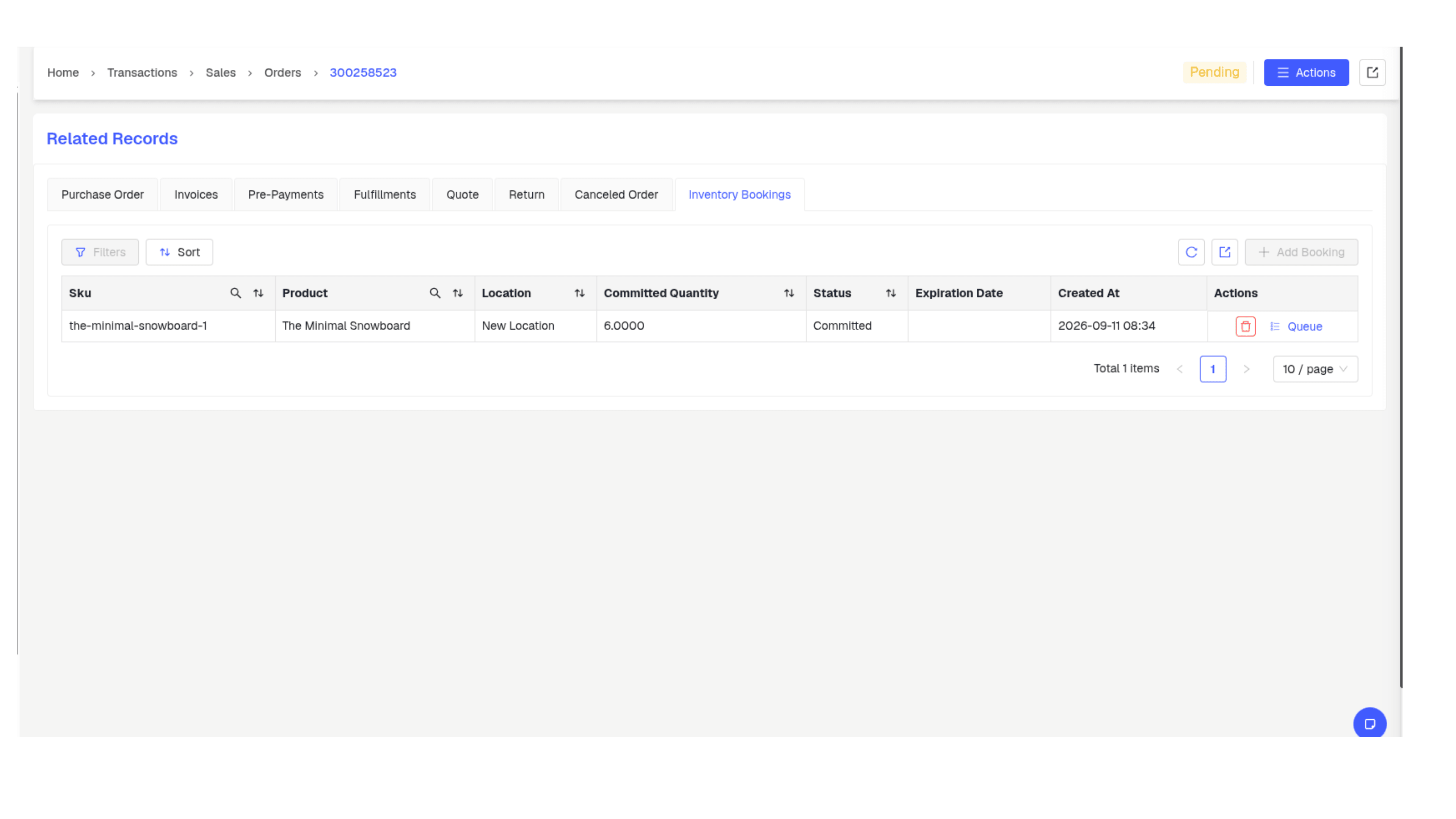
- Received goods become available to sales orders and backorders the moment they are booked in.
How TDCCommerce Compares
| Feature | The Usual Setup | With TDCCommerce |
|---|---|---|
| A truck arrives | Count against a paper purchase order | Scan against the expected list |
| Where does this go | Ask the supervisor | The scanner shows the bin |
| Pick forty orders | Forty trips | Grouped picks and zone paths |
| The wrong item is packed | The customer finds out | A scan checkpoint catches it |
| Print a shipping label | Retype the address on the carrier site | Printed with the pick |
| Landed cost of an import | A spreadsheet after the fact | Allocated to the items at receiving |
| Stock updates the books | A batch import at closing time | Instantly, scan by scan |
Get Orders Out the Door Faster
Stop reconciling paper pick lists against the system at the end of the shift. See how TDCCommerce guides receiving, storage, picking, and packing from one live record.
Questions Warehouse Managers Ask
Do I need special hardware?
Handheld barcode scanners are all the floor needs. Every receiving, put-away, and picking screen runs on them.
Can I receive part of a purchase order?
Yes. Book in what arrived, and the rest stays open with its expected date, so backorders and vendor follow-ups stay accurate.
How does the system decide where to put stock?
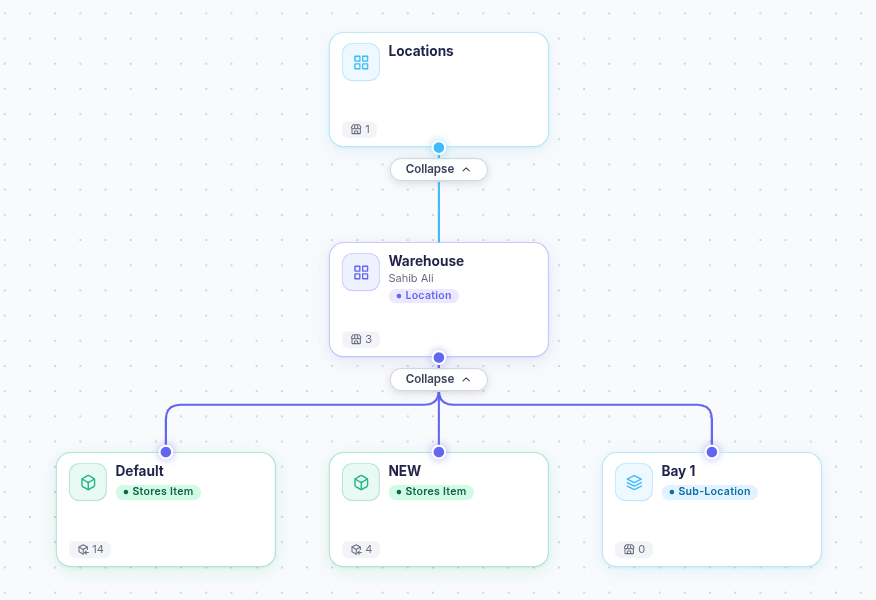
Guided storage suggests a location from your layout, and the operator can override on the spot.
Which picking methods are supported?
Zone paths, batch picking, and wave picking. Rotation rules decide which units go first: expiring soonest, oldest, or newest.
Can I track landed costs on imports?
Yes. Import charges spread across a shipment or onto specific items, so each unit's cost reflects the duty and freight behind it.
Does warehouse work update the books?
Yes. Receiving, transfers, and shipments post to inventory and accounting as each scan completes, with no end-of-day import.