

Campaign Event Generator
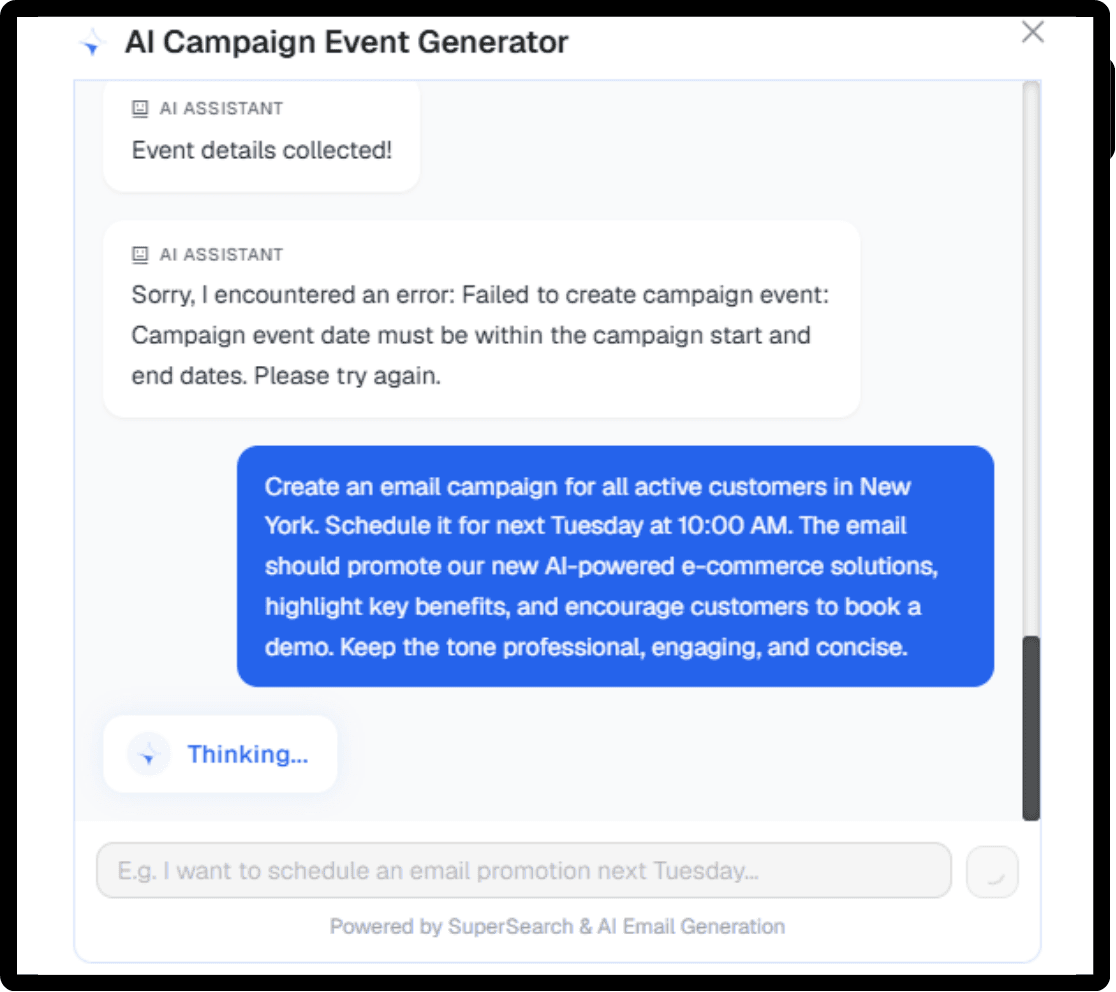
Tell it who to email, when, and what about, and it assembles the audience, the schedule, and the branded email, then opens the event for review.
TDCCommerce marketing works from the same customer, order, and product records as the rest of the business. Build a segment, send the campaign, run the promotion, and see which orders it produced.
Campaigns
Tell it who to email, when, and what about, and it assembles the audience, the schedule, and the branded email, then opens the event for review.
Reads a sent campaign's results and returns a short briefing: how it performed, the three biggest problems, and what to change next time.

Turns a prompt into a responsive email in your brand, with several layouts to pick from before you send.

Drafts ad groups, keywords, and policy-safe copy from your catalog and targets, then reports what each campaign returned.

| Feature | The Usual Setup | With TDCCommerce |
|---|---|---|
| Build an audience | Export a CSV and upload it to the email platform | Filter your customers and save it |
| Send a campaign | Design in one app, send from another | Pick the template, set the time, send |
| Did it make money | Opens and clicks | Revenue shows against the campaign |
| Run a sale | Set a coupon and hope it does not stack | Rules decide what combines |
| Google Ads results | Spend in Google, sales in the store, matched in a spreadsheet | Attributed to orders automatically |
| Write the email | Start from a blank template | AI writes a first draft in your look |
| Which subject line failed | Guess | A briefing tells you what to fix |
Stop exporting customer lists into a separate email platform. See how one customer list feeds every send, offer, and ad you run.
No. Campaigns, templates, segments, and send statistics are inside TDCCommerce and use your customer records directly.
Save a customer search with the conditions you want, such as bought in the last 90 days in New York, and the campaign uses it as its recipient list.
Yes. Orders link back to the campaign and the ad click that brought the customer, so the return on each is measured in sales.
Yes. An offer can apply to one segment only, need a minimum basket, and be blocked from combining with others.
Connect the account in the store settings. Paid Media then reads billed spend from Google and matches it to the orders those clicks produced.
Lead forms and Contact Us messages create CRM records with their source, assigned to a rep, and with AI on, sorted as a lead or a support case.